Chop Chop Inc Crash Troubleshooting
Demo and full-game fixes for hangs, out-of-memory errors, and DirectX issues on Windows PC.
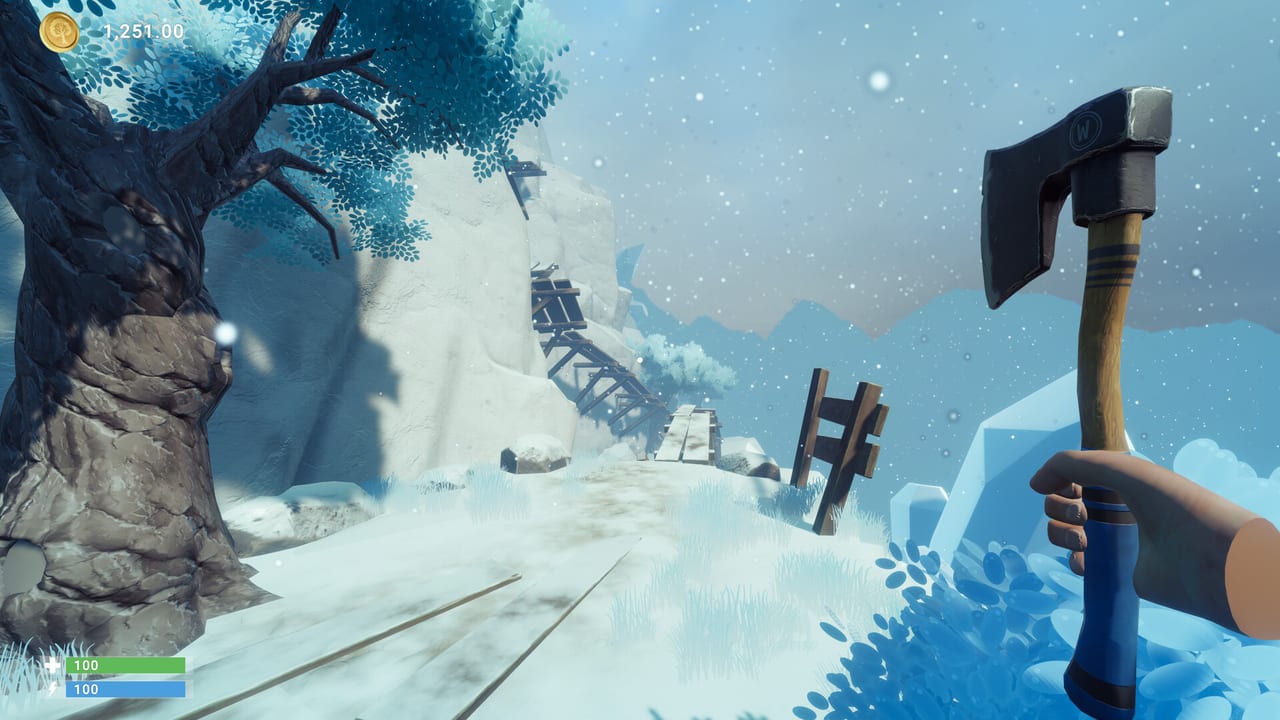
Chop Chop Inc runs on Unity with DirectX 12 on Windows PC via Steam, but players still hit crashes, logo hangs, and out-of-memory errors — especially on borderline hardware. NullRef Entertainment shipped Hotfix 1.0.1 on April 1, 2026 after the demo went live around March 31, 2026, addressing several high-frequency issues. The full game released August 7, 2026 at $12.99 / €12.99 and carries forward Safe Mode and stability fixes from the demo pipeline. On launch day NullRef also shipped Hotfix #1, #2, and #3; Hotfix #3 addressed a softlock risk after building the cannon foundation. This tool page collects verified fixes, launch flags, and settings checks for both the free demo and the paid full game so you spend less time staring at a frozen NullRef logo and more time chopping trees.
Single-player sessions do not need network stability beyond Steam authentication; most crashes are local GPU, memory, or file integrity problems.
Hotfix 1.0.1 — what changed
Official demo hotfix notes highlight:
- NullRef logo hang when an unassigned controller was connected at launch.
- Out-of-memory crashes on GPUs with 4 GB VRAM in certain scenes.
- Safe Mode option added for reduced settings bootstrapping when normal launch fails.
If your build predates April 1, 2026, verify Steam downloaded the patch — right-click Chop Chop Inc in library, Properties, Updates, confirm no pending download. The full release carries forward Safe Mode; check Patch Notes for post-launch version-specific fixes including day-one Hotfixes #1–#3 and Hotfix #4 (autosave during UI/minigames disabled, quit prompt). Intel iGPU flicker may need the occlusion-culling toggle on Settings and Keybinds.
Cannon foundation softlock (Hotfix #3)
Some day-one players reported progression softlocks after constructing the cannon foundation. Hotfix #3 (August 7, 2026) targeted that softlock risk. If story beats stall after the cannon foundation:
- Confirm Steam shows no pending updates and you are on Hotfix #3 or later.
- Fully quit and relaunch the client.
- Verify integrity of game files.
- If still stuck, report on Discord https://discord.com/invite/4wpwnxqTWg with GPU, RAM, and build ID — do not delete saves until support asks.
This is a progression blocker, not a GPU crash, but it shares the same “update first” advice as crash triage.
Quick fix checklist
Run these in order before reinstalling:
- Verify game files — Steam library, right-click Chop Chop Inc (demo or full game), Properties, Installed Files, Verify integrity.
- Update GPU drivers — NVIDIA or AMD latest WHQL for DirectX 12.
- Disconnect unused controllers — hotfix target; unplug gamepads not in active use before launch.
- Launch with
-dx11flag if DX12 crashes persist — Steam launch options:-dx11(community workaround; not always official but widely reported for Unity titles). - Disable overlays — Steam overlay, Discord overlay, GeForce Experience, MSI Afterburner on-screen display.
- Confirm SSD install — Steam lists SSD as required; HDD causes hitching mistaken for crashes.
- Try Safe Mode from launcher or options if available post-hotfix.
- Run as administrator once if permissions block shader cache writes — revert after testing.
- Windows compatibility — avoid forced compatibility modes unless support recommends; test native Windows 10/11 64-bit first.
Out-of-memory on 4 GB VRAM
Hotfix 1.0.1 specifically mentions OOM on 4 GB VRAM cards. Minimum Steam specs list GTX 1070 Ti with higher VRAM; players on older 4 GB GPUs may launch but crash in dense scenes.
Mitigations:
- Lower resolution and texture quality in Safe Mode or settings menu.
- Close background browsers and capture software freeing RAM and VRAM.
- Avoid ultrawide resolutions on weak GPUs — see System Requirements for supported aspect ratios.
- Upgrade GPU if crashes continue after hotfix; demo stress tests early zones only — full automation yards hit harder in the released game.
DirectX 12 versus DX11 launch flag
Steam requires DirectX 12 on paper. If crashes trace to DX12 shader compilation, -dx11 in Steam launch options forces an older path some Unity builds tolerate. Remove the flag after patches if stability improves on DX12.
Steps: Steam library → Properties → Launch Options → type -dx11 → launch → test forest and city loads.
Also run Windows Update so system DirectX components stay current.
Controller and logo hang
Unassigned or ghost controllers caused logo hangs pre-hotfix. Unplug all controllers, launch with keyboard and mouse, then reconnect one device after main menu loads. Assign controls in Controls before re-enabling multiple devices.
Overlays and third-party software
Overlays inject into Unity games and cause crashes on launch or alt-tab. Disable temporarily:
- Steam overlay (Properties → General)
- Discord overlay
- RGB suite OSD tools
- VPN software with packet inspectors (rare but reported on some PCs)
Re-enable one at a time to find the culprit.
SSD and storage issues
Five gigabyte install fits small SSDs, but shader caches and saves need headroom. Keep ten gigabytes free on the install drive. Move library folder to SSD if Steam defaulted to HDD.
Corrupted caches sometimes clear after verify files; nuclear option is uninstall, delete remaining folder in SteamLibrary, reinstall.
Safe Mode usage
Post-hotfix Safe Mode lowers settings to boot unstable machines. Use it to reach options menu, apply permanent lower presets, then restart normally. Document settings that work for your GPU on Discord to help others — link from Demo Info.
Admin and compatibility settings
Right-click executable → Run as administrator — test once for permission errors writing to Documents or AppData saves. Long-term, fix folder permissions instead of permanent admin.
Compatibility tab: avoid Windows 7/8 modes; game targets Windows 10/11 64-bit only.
When to escalate
If verify, hotfix, Safe Mode, and -dx11 all fail:
- Post on official Discord https://discord.com/invite/4wpwnxqTWg with GPU model, RAM, driver version, and crash timing.
- Use in-game feedback forms from demo — NullRef requested technical reports.
- Attach Steam crash dumps if prompted.
- Check Patch Notes for newer hotfixes after your attempt.
Demo versus full release stability
Demo hotfixes prove the studio responds quickly. The 1.0 release shipped redesigned UI, new furniture, and larger maps — re-run this checklist after major patches listed on Updates.
Full game automation scenes stress CPU and GPU more than demo yards; recommended specs on System Requirements matter more in the paid build.
Prevention habits
- Update drivers monthly during active development.
- Save before entering new zones or accepting bulk contracts.
- Restart client between long sessions if memory creeps up — Unity titles benefit from periodic restarts pre-patch.
- Watch Patch Notes for post-launch hotfixes if stability issues appear in the full game.
Crash troubleshooting is not glamorous, but Stable Mode beats rage-quitting a sim about furniture revenge. Fix files, fix drivers, fix overlays, then get back to shipping walnut sets on time.
Frequently Asked Questions
Quick answers to the most common Chop Chop Inc questions.
What if I softlock after building the cannon foundation?
Update to Hotfix #3 or later, relaunch, and verify game files. Report persistent softlocks on Discord with your Steam build ID.
What did Hotfix 1.0.1 fix in the demo?
NullRef logo hang with unassigned controllers, out-of-memory crashes on 4 GB VRAM GPUs, and added Safe Mode for unstable launches.
How do I add the -dx11 launch flag on Steam?
Right-click the game in Steam library, Properties, Launch Options, enter -dx11, close, and launch. Remove the flag if DX12 stability improves later.
Is an SSD required to fix crashes?
Steam lists SSD as required. HDD installs cause severe hitching and load failures that mimic crashes. Move the install to SSD first.
Should I unplug my controller before launching?
Yes if you hit logo hangs. Connect one controller after the main menu loads, then configure bindings.
Where do I report crashes NullRef has not patched yet?
Official Discord, Steam discussions, and in-game demo feedback forms. Include GPU, RAM, and build version.